HumaRun is loading.
Skip to content
Reports & analytics

See the story behind the numbers.

Review role-scoped workforce, time, leave and payroll reports, build your own with joins and pivots, and export permitted results to CSV, Excel or PDF.

All modules
Workforce overview
Concept · sample
Active headcount248Across 5 departments
Attendance exceptions12Open for review
Sample figures, not a live screenConcept

Reports with a clear purpose.

Every report shows only what the viewer's role allows.

Ready-made reports

Review headcount, joiners and leavers, turnover, attendance, overtime and leave within your role's scope. Small or incomplete groups are withheld, never estimated.

Your own reports

Build a report from related records with filters, groups, pivots and a chart, then drill down to the rows behind a figure, never beyond your scope.

Export and alerts

Export a report you can see to CSV or Excel, and a report you build or a dashboard to PDF, when your role includes export, and be notified when a figure crosses a threshold you set. Pay columns need their own permission.

Audit history

Search who changed what and when, see the before and after, and export the log. Opening a report is recorded too.

The workforce in one picture.

A concept of how the reports fit together: supported workforce counts and attendance exceptions can be reviewed within each role's scope.
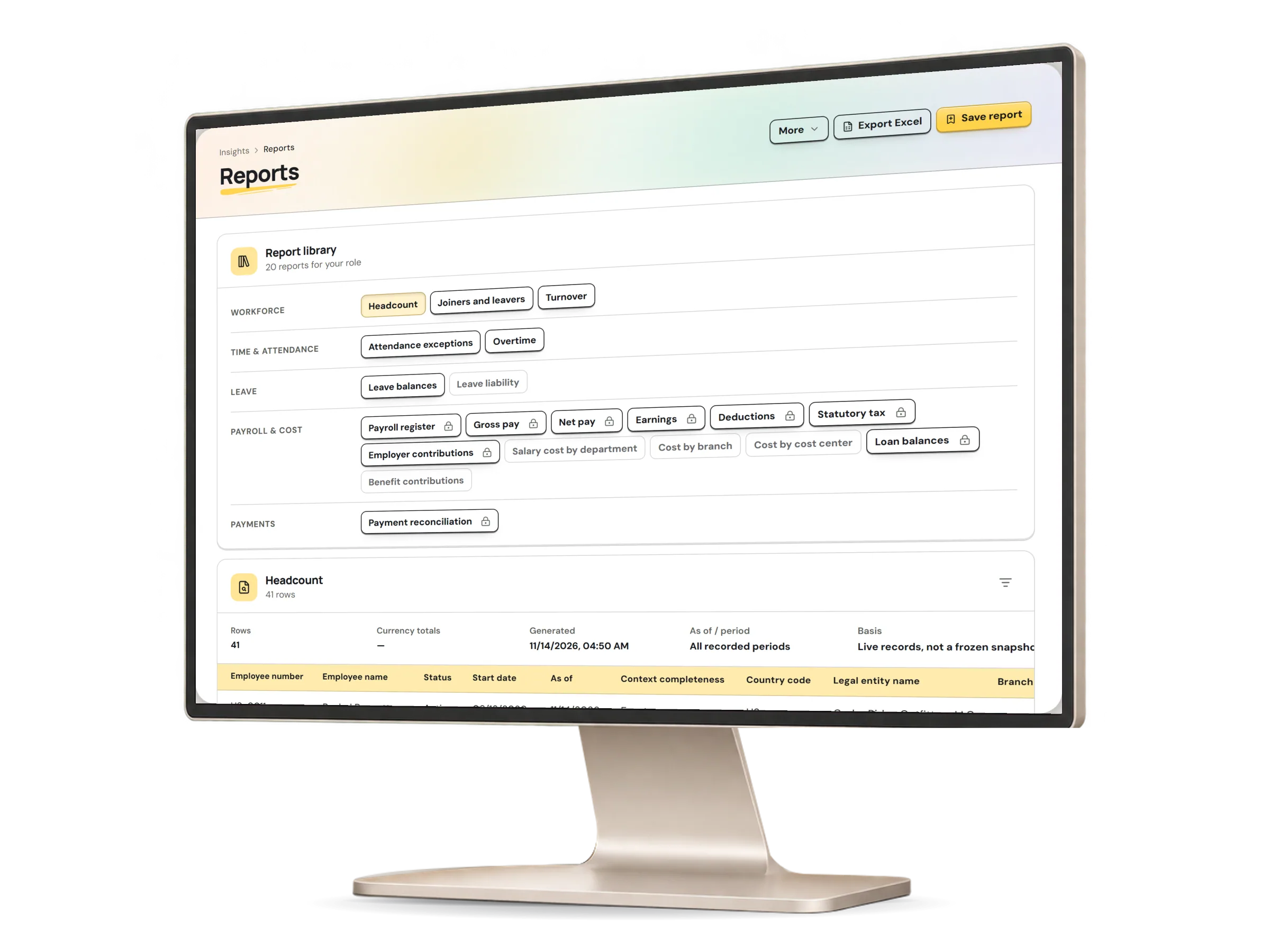
Reports in HumaRun: workforce counts and attendance exceptions within the viewer's access, with invented sample data.
A real HumaRun screen, shown with invented sample data.

What reporting covers today.

What works today, and the controls that come with it.

Included

  • Current workforce, dated headcount, joiners and leavers, and turnover with retention over a range you choose, counted in your organization's own calendar days
  • Attendance, overtime and leave reports from recorded sources
  • Saved reports with their filters and columns, run again on current data
  • CSV and Excel export for roles allowed to export, and CSV export of the audit log
  • PDF export of the reports you build (up to 5,000 rows and 12 columns) and of dashboards, for roles allowed to export
  • A report builder that joins related records, pivots and charts them, and drills down to the rows behind a figure within the same scope
  • Payroll register and pay amounts from calculated runs for roles cleared to see pay, and payroll cost by month, department, cost center, legal entity or pay group from finalized runs
  • Saving a report-builder definition to run again later
  • Threshold alerts on a saved report: each recipient is notified when the figure, read within their own scope, crosses the threshold, and not again while it stays there
  • A read-only BI API: a saved report published to one of your organization-wide API credentials and read with its owner's role checked again on every call
  • Dashboards of up to 12 reports, with a default dashboard for each role
  • Sharing a saved report or a dashboard with a role or a colleague, who still sees only their own scope
  • Scheduled delivery, daily, weekly or monthly as CSV or Excel, with its owner and each recipient checked again at every send and told in the app
  • Scheduled delivery notices by email, carrying a link and never the report data
  • Diversity reports on only the categories your organization declares, never inferred, with groups of fewer than ten people withheld, also across department splits so no hidden group can be worked out from the totals
  • Pay gap reports of mean and median hourly pay and pay quartiles from finalized payroll, with small groups withheld across the quartiles and the method stated

Controls built in

  • Results limited to each role's organization or team scope, with the filters each report supports
  • Pay columns only for roles cleared to see pay
  • Small or incomplete groups withheld, with a second department withheld wherever one alone could be worked out from the totals, and an unknown employment date counted as indeterminate, never guessed
  • Opening a report is recorded in the audit history

Ask a clear question, then open the report.

Tell us which reports your team needs in a free request.