Included
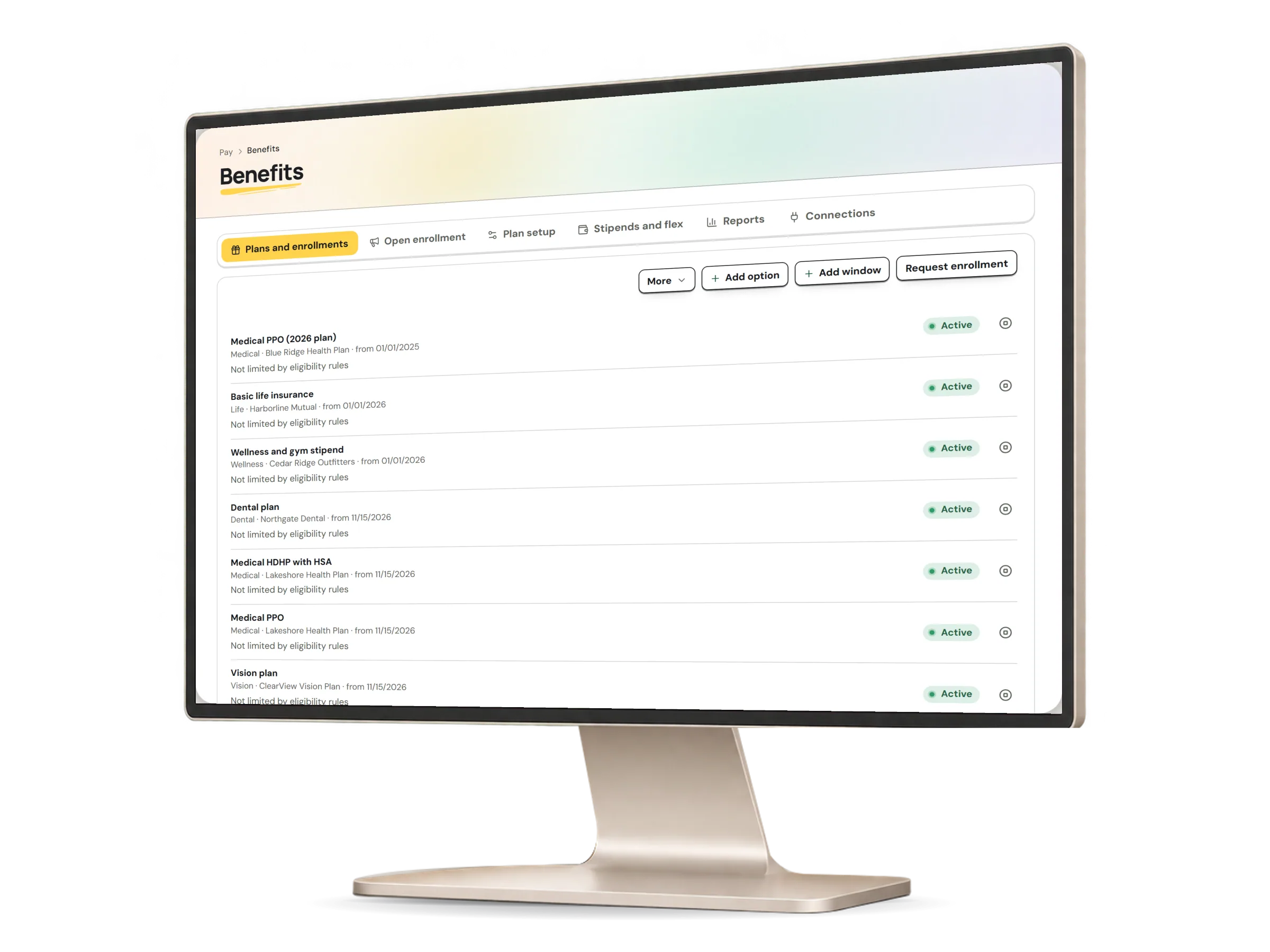
- Plans from a shared list of 14 types, each type naming only what a plan is, with every amount and rule entered by your organization
- Coverage options at five standard coverage levels, each checked against the dependents a request covers
- Eligibility rules by department, job, location, legal entity, employment type and status, pay group and work country, with a minimum service period
- Enrollment windows with the dates people may choose in and the date coverage starts
- Coverage evidence recorded by your benefits team, marked as entered by your organization
- Withdrawing your own enrollment request while it still waits for review
- Dependents taken from each employee's record, with changes asked for through their profile
- A plan comparison for each person, with every option's cost per pay period, and per year when a pay frequency is recorded
- A benefit statement of each person's own coverage, dependents and contributions
- A benefits census in the report builder, one row per enrollment, for people with sensitive benefits access
- Active coverage passed to pay runs for each pay period it overlaps, prorated by the plan's method
- Age limits from each person's recorded date of birth, and evidence of insurability above a guaranteed-issue amount you set
- A new-hire window for each person's own first days of employment, with coverage starting by the rule you record
- Open-enrollment campaigns with reminders, a completion dashboard, a late change allowed for one person, and current choices carried forward for another person to decide
- Contribution formulas with an employer match and per-period caps, every amount kept in exact minor units of the plan currency
- Evidence files on a request and plan documents on each plan, scanned before they are kept
- Plan documents linked from the company document library
- Declining a plan in an open window, and life-event changes held to your own reporting deadlines, with a review for a late request
- Evidence files for a life-event change, scanned before they are kept
- Withdrawing your own life-event change while nobody has decided it
- Each person's own confirmation that the coverage details shown are what they asked for, which is never an approval
- Beneficiary nominations and coverage-end requests, reviewed by someone other than the person asking
- Importing a provider statement as CSV or JSON and reconciling it line by line against your enrollments
- Stipend allowances by month, quarter or year, and flex budgets in money or points, with the carry-forward or forfeit rule you set
- Allowance claims decided once by a benefits administrator who did not submit them and is not paid by them, and a report of every claim
- An approved claim paid as an earning a payroll user adds to a calculated pay run
- Benefit contributions deducted in a calculated pay run
- ANSI X12 834 enrollment files for medical plans, as change files or full files with each dependent's given, middle and family name, which your benefits administrator downloads to give to the carrier