HumaRun is loading.
Skip to content
Workforce planning & rehearsal

Plan the next change. Before anyone makes it.

Plan headcount and budget by department and period, compare scenarios, and rehearse a change without touching live records.

All modules
Scenario totalsConcept · sample plans
Illustrative
  1. Base planTarget 48 at the end · 12 hires · USD 1,240,000Base
  2. Hiring freezeTarget 40 at the end · 4 hires · USD 1,090,000−8
  3. GrowthTarget 54 at the end · 18 hires · USD 1,365,000+6
  4. Sales, 2027-Q1Growth against the base: 3 more hires, USD 45,000 more budget+3
Sample figures, not a live screen

Plan by department, period by period.

Every figure comes from a person's entry or a dated record.

Department x period grid

Plan the target headcount, the hires and a money budget for each department, month by month or quarter by quarter, exact to the smallest unit of the plan's currency.

Scenarios and compare

Copy a plan into scenarios such as a hiring freeze or growth, compare two to four side by side, and see what changed between any two saved versions.

Budget against actual

See each period's budget beside actual headcount, counted from dated positions. Actual cost comes from finalized payroll.

Requisition gate

An approved plan opens draft requisitions and limits them by its planned hires and hiring budget. Going above it needs a reason and another person's approval.

Compare scenarios before you choose.

Choose two to four scenarios of one plan. Each total is set against the first by target headcount, hires and budget, and budget differences are shown only when the plans share a currency.
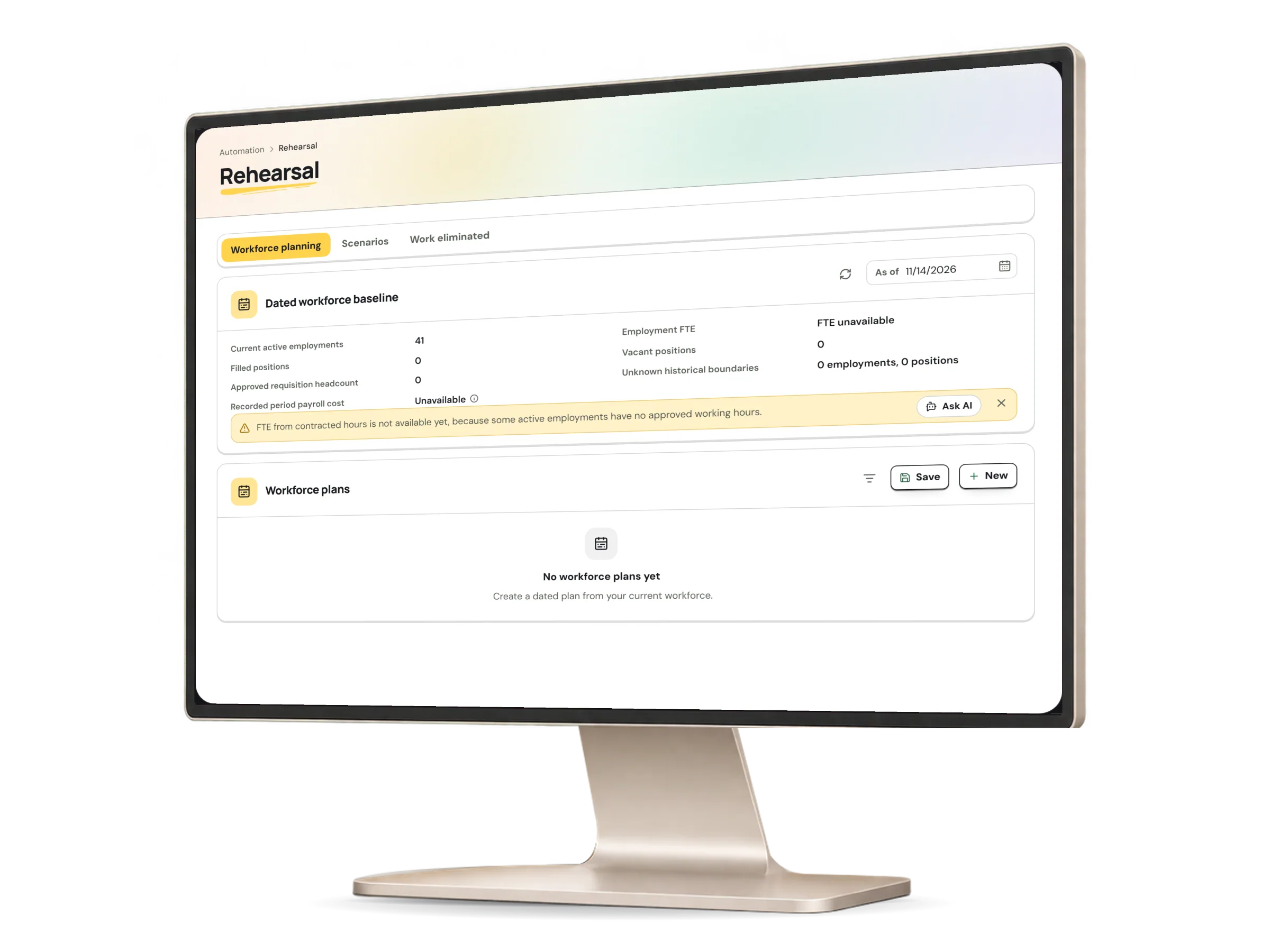
Planning rehearsal in HumaRun: scenarios of one plan side by side by headcount, hires and budget, with invented sample data.
A real HumaRun screen, shown with invented sample data.

Plans change. Live records do not.

What planning may change, and what it never touches.

What planning changes

Inside the plan
  • Plan versions: every change is saved as a new version, and earlier versions stay as they were
  • Scenarios: draft copies of a plan that their owner changes on their own
  • A draft organization chart of moves and planned roles, kept inside the plan
  • Rehearsals: a salary, headcount, shift or leave policy change tried against a read-only snapshot of today's records, with its assumptions and uncertain inputs shown, and stored on its own
  • Requisitions: only a draft, opened when a person asks from an approved plan, which then follows its own approval

What it never touches

Live records
  • Live positions, employments and reporting lines: the organization chart stays as it is
  • Salaries, compensation and payroll records: approving a rehearsal never applies it, and only hands each part of the change to the workflow that owns it, with its own approvals
  • Existing requisitions: a plan never approves, changes or closes one
  • Rates you did not enter: no attrition, backfill or merit rate is filled in for you

An approved plan keeps hiring in step.

People decide: HumaRun makes no hiring, pay, performance or employment decision.

  1. Review, then approve

    The owner proposes the plan, another person reviews it and a third approves it: whoever reviewed a version never approves it.

  2. Open a requisition

    From an approved plan, a person opens a draft requisition for one of its departments, citing the exact plan version.

  3. Check it against the plan

    Each requisition is checked against the department's remaining planned hires and hiring budget; one above the plan cannot be submitted or approved.

  4. Ask for an exception

    Above the plan, the preparer gives a reason, and another person with organization management decides. The requester and the hiring manager never do.

What this module covers.

What works today, and the controls that come with it.

Included

  • A department x period grid of target headcount, hires and a money budget, exact to the smallest unit of the plan's currency
  • Monthly or quarterly periods, up to 24 months or 8 quarters
  • Scenarios compared two to four at a time, and the differences between any two versions of a plan
  • A draft organization chart of moves and planned roles that leaves the live chart as it is
  • Actual headcount for each period, by the department of each person's dated position
  • Import from CSV text or pasted rows, and export to CSV or an Excel workbook
  • A linked rehearsal of the plan's hires that changes no live record
  • Draft requisitions opened from an approved plan, citing its exact version
  • A plan check on every requisition against the department's remaining planned hires and hiring budget
  • Projected cost of existing staff, at the employer cost per person of one finalized payroll month
  • Actual cost of each period from finalized payroll, beside its budget
  • Department input: the plan owner asks a colleague, usually the department head, for that department's rows, and accepts or returns each submission
  • Blocking a requisition above the approved plan, unless another person approves an exception asked for with a reason
  • Plan reviews and approvals in the Decision Inbox
  • Department input waiting for the plan owner in the Decision Inbox
  • Plan exceptions decided in the Decision Inbox

Controls built in

  • Plans open only to roles with organization-wide people and report access, and recorded payroll cost and rehearsals only to roles cleared for payroll or compensation data
  • Plan review and approval by different people: the reviewer of a version never approves it
  • Attrition, backfill, merit and on-cost rates entered by the planner, with nothing filled in or estimated for you
  • A plan exception decided by another person with organization management, never by the requester or the hiring manager
  • A fresh multi-factor check before a plan is exported, for anyone who signs in that way

Start from your plan, then decide together.

Tell us how your team plans headcount in a free demo request.