HumaRun is loading.
Skip to content
Company Chat

Talk, call and meet where work happens.

Conversations, channels, calls and meetings for the people of one organization, with history your organization controls.

All modules
Shift planningConcept · sample conversationIllustrative
  • Amara Okafor09:12
    Can we go over next week's shifts before Friday?
  • Daniel Reyes09:14
    Yes, I have scheduled a meeting with this conversation.
  • Shift reviewAccepted
    Thu 10:00 · organized by Daniel Reyes
  • Video callJoin
    Started 09:30 · Participants (3)
Sample figures, not a live screen

Conversations that stay inside your organization.

Every conversation belongs to your organization alone.

  • Channels and audiences

    Talk one to one, in groups and in channels. A channel is open or private, for the whole organization, a department or a legal entity, and its audience is checked against each reader's current record.

  • Mentions, reactions and search

    Mention a colleague, address a whole group or, as a channel owner, a whole channel, react with any emoji, and search the conversations you can read, in any script.

  • Files behind a scan

    Attach documents, images, audio, video and ZIP archives of up to 100 MB, or record a voice message. Each file is kept in protected storage and opens only after a clean malware scan.

  • Calls and meetings

    Start a voice or video call from a conversation, or schedule a meeting with a lobby and reminders, in HumaRun or, where your organization chooses it, with a Microsoft Teams, Google Meet or Zoom link. Recording stays off until your organization turns it on.

Talk it through, then meet right here.

A conversation's header starts a voice or video call or schedules a meeting with its members, and the conversation becomes the meeting chat. Your meetings list shows each meeting's time, organizer and your answer, with Join when it is time.

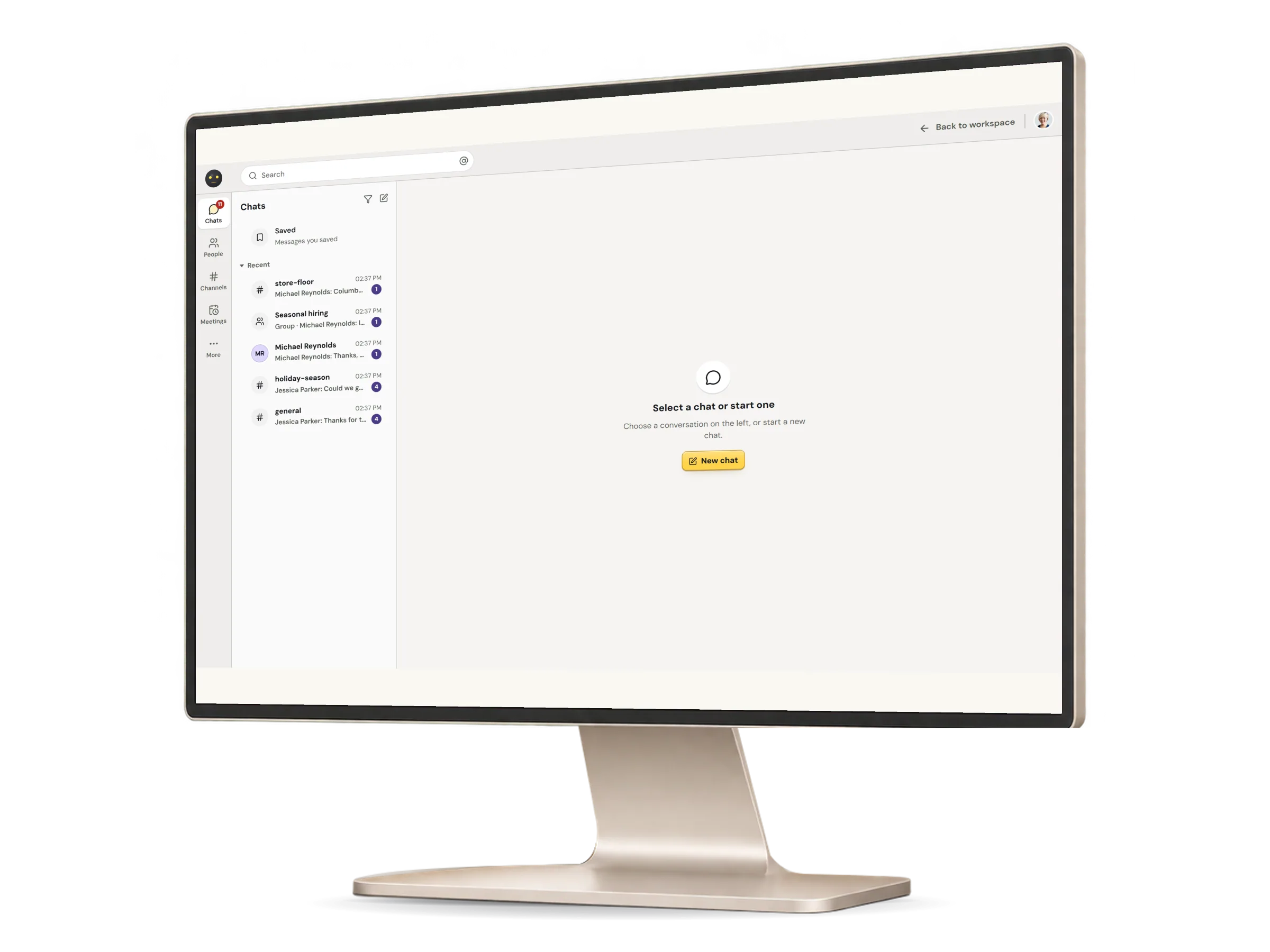
Company chat in HumaRun: a team conversation and a meeting started from it, with invented sample data.
A real HumaRun screen, shown with invented sample data.

Who reads it, who keeps it, and how people meet.

What works today, and the controls that come with it.

What stays private, and who keeps it

  • One-to-one conversations, groups and channels that only their current members can read; someone removed from one loses all access to it
  • Chat administrators cannot browse one-to-one or group conversations, and notifications never carry message text and reach only people the channel still admits
  • A role that manages Company Chat can manage the members of any channel, including adding itself, and each addition is recorded; a channel for one part of the organization takes only people in its audience
  • Removing a message hides it from view, and its text is kept
  • Channels for one location or one role, beside the whole organization, a department or a legal entity
  • Mentions, @channel and @here (for anyone in a group, and for channel owners and chat administrators in a channel), emoji reactions, pins, drafts and full-text search in every script
  • Message reports reviewed by chat administrators, who see only the reported message, and read-only limits on a member
  • Your own retention period; until you set one everything is kept, and HumaRun sets no period of its own
  • Legal holds on a channel or on a member, which retention and erasure honor until the hold is released with a reason
  • Members erase their own messages, and administrators a departed member's, never while a legal hold applies
  • An eDiscovery export of what one named person could read, with a stated reason, only for a role that manages both Company Chat and the organization, with a fresh multi-factor check for anyone who signs in that way; only a record of the export is kept
  • Company Chat, its HumaRun calls and its meetings are for the people of your organization only

Calls, meetings and files

  • Voice and video calls one to one or in a group of up to four people, browser to browser, with screen sharing, raised hands and reactions
  • Calls of five to 50 people: Needs server setup: HumaRun's media server
  • Calls between people on different networks
  • Meetings with a time zone, repeats, a lobby and reminders, and an .ics file for any calendar
  • Once your organization chooses Microsoft Teams, Google Meet or Zoom for meetings, a meeting carries that link instead of a HumaRun call, created on the host's own connected account
  • Only a meeting's current attendees join its call directly; anyone else waits in the lobby until the host admits them
  • Someone who loses access to a conversation is taken out of its call straight away
  • A record of who joined and left each call and how long it lasted; sound and picture are stored only when a call is recorded
  • Recording, off until your organization turns it on, and announced to everyone in the call, including people who join later
  • Recording consent from everyone in the call when your organization asks for it: nobody is recorded until all agree, a late joiner pauses it until they answer, and a refusal stops it
  • Transcripts of a recorded call, made by a speech-to-text service, only when your organization allows them and everyone in the call consents: Needs a connected speech-to-text provider
  • Files of up to 100 MB, including audio, video and ZIP archives, kept encrypted and opened only after a clean malware scan
  • Voice messages of up to 10 minutes, recorded in the conversation